Create
C
Discover
D
Startups
S
Investors
I
Talent
T
Learn
L
News
N
About
A
Arabic German English Spanish Finnish Italian
Login
Register
Explore Music Production
Music
Level 1 - Exploration

Explore Music Production

Taught by Marcus Rivera

About This Challenge

Discover the fundamentals of digital music production and audio creation. This challenge introduces essential concepts from DAW navigation to basic mixing, giving content creators and entrepreneurs the knowledge to produce quality audio for their projects.

What You'll Learn

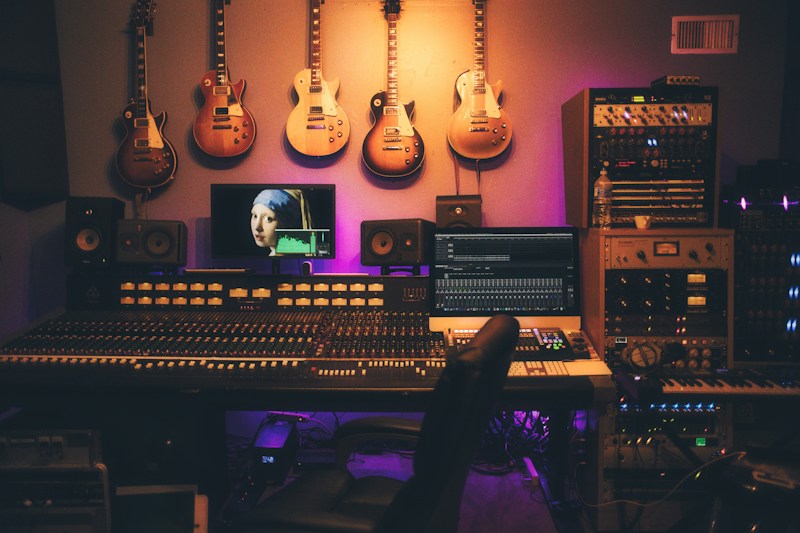
  • Navigate a Digital Audio Workstation and understand its core components
  • Comprehend fundamental audio concepts including frequency, amplitude, and waveforms
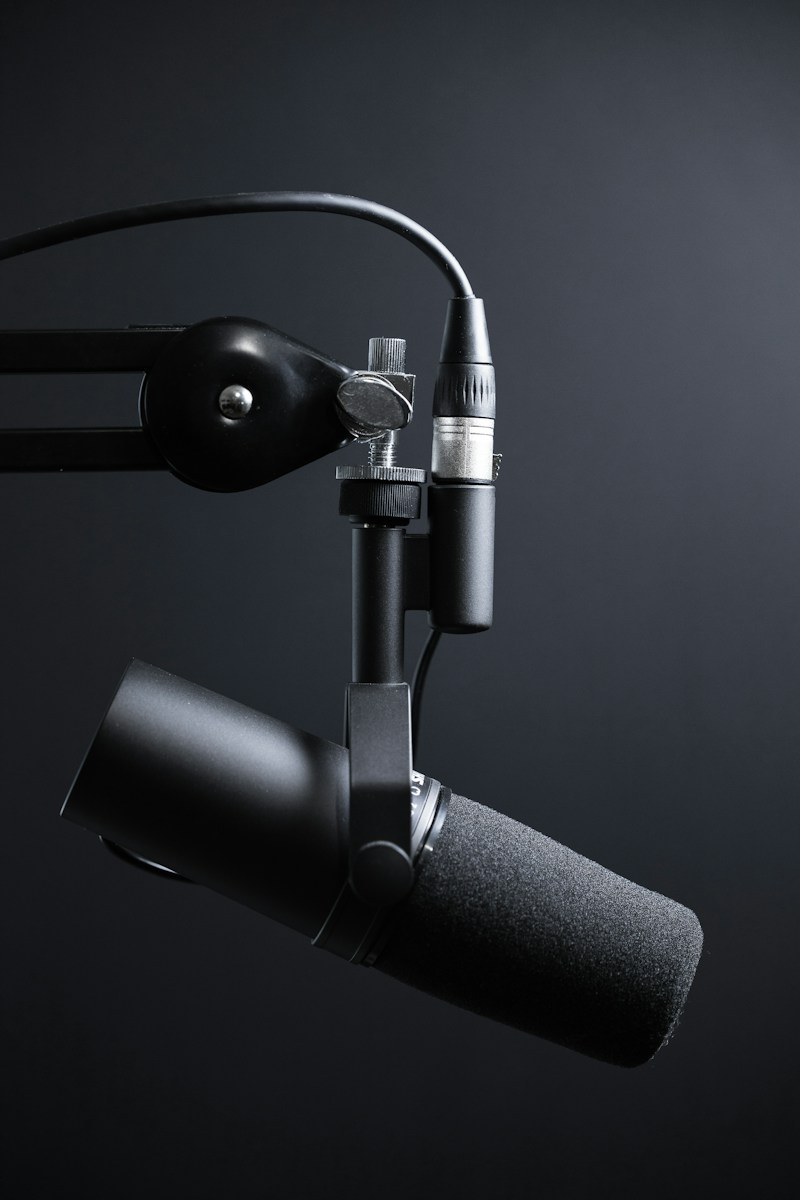
  • Record clean audio using proper microphone techniques and signal flow
  • Apply basic mixing fundamentals including levels, panning, and EQ
  • Understand audio file formats and when to use each for different applications

Challenge Content

24 lessons
Introduction to Digital Audio Workstations
Welcome to Music Production
8 Min
What is a Digital Audio Workstation?
7 Min
Navigating Your DAW Interface
8 Min
DAW Fundamentals Check
10 Min
Explore Your DAW
25 Min
Understanding Audio Fundamentals
How Digital Audio Works
10 Min
Frequency, Amplitude, and Waveforms
8 Min
Sample Rate and Bit Depth
7 Min
Audio Concepts Knowledge Check
10 Min
Analyze Audio Waveforms
20 Min
Recording Fundamentals
Recording Setup Essentials
10 Min
Microphone Types and Selection
8 Min
Signal Flow and Gain Staging
8 Min
Room Acoustics and Microphone Technique
7 Min
Recording Fundamentals Check
10 Min
Record a Voice Sample
30 Min
Introduction to Mixing
What is Mixing?
10 Min
Level Balance and Gain Structure
8 Min
Panning and the Stereo Field
7 Min
Introduction to EQ
8 Min
Mixing Fundamentals Check
10 Min
Create a Basic Mix
35 Min
Audio Formats and Export Settings
6 Min
Your Music Production Journey Continues
5 Min

Related Challenges

Ratings & Reviews

Challenge Info

Level
Level 1 - Exploration
Subject
Music
Progress
0%
Rewards
Sign in to Start

Requirements

  • Computer with internet access
  • Headphones or speakers for audio playback
  • Free DAW software (GarageBand, Audacity, or similar)
Back to Challenges